The Problem
When building PourGuide, my AI-powered wine discovery app, I needed to extract structured information from wine bottle images. Users snap a photo, and the app identifies the wine name, producer, vintage, region, and variety. Simple enough, but which Claude model should handle this?
Claude offers multiple vision-capable models at different price points. Haiku is fast and cheap; Sonnet is more capable but costs more. The question: when does the cheaper model suffice, and when do you need to pay for more intelligence?
Test Methodology
I created a benchmark suite that sends identical images and prompts to both Claude Haiku 3.5 and Claude Sonnet 3.5. Each model returns structured JSON with extracted wine details and a confidence score (1-10) for each item detected.
The test images ranged from simple to complex:
Simple: Single Bottle
A clear shot of one wine bottle with a readable label: the most common use case for PourGuide users.
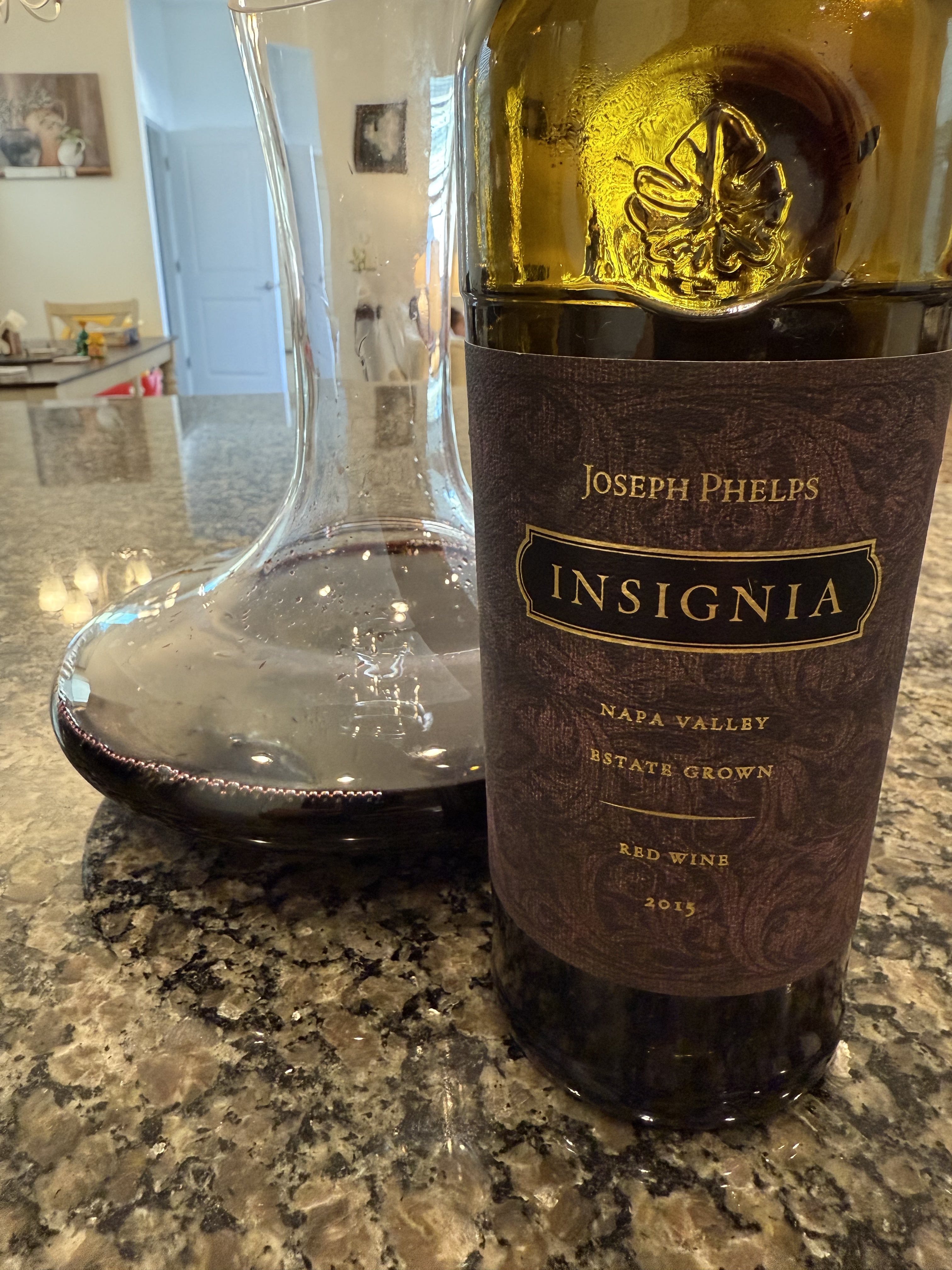
Simple: Single wine bottle with clear label
Medium: Multiple Bottles
Four wine bottles in frame, requiring the model to identify and extract details from each.
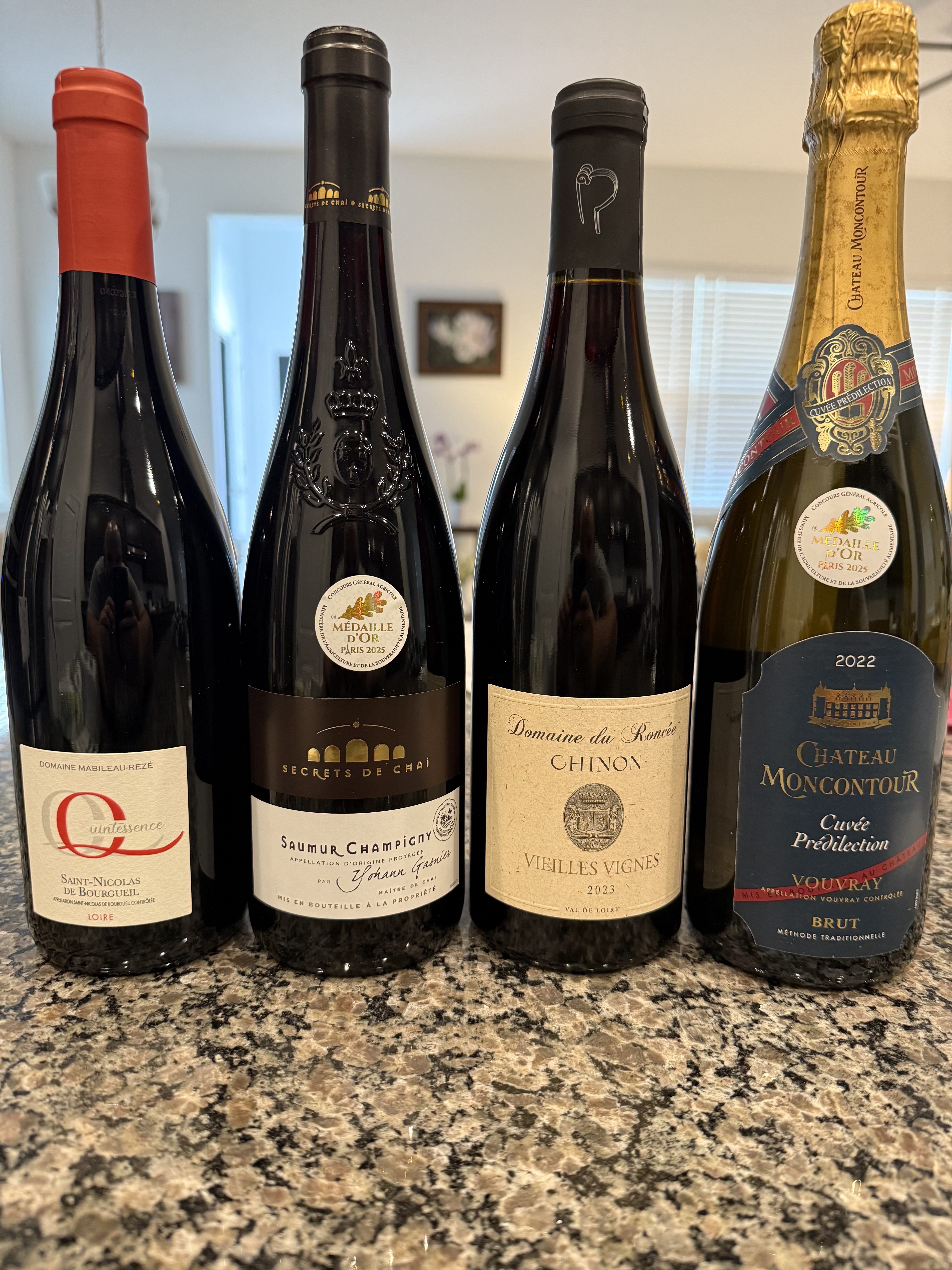
Medium: Multiple bottles requiring individual extraction
Complex: Grocery Shelf
A grocery store wine shelf with 20+ bottles: this is where things get interesting.
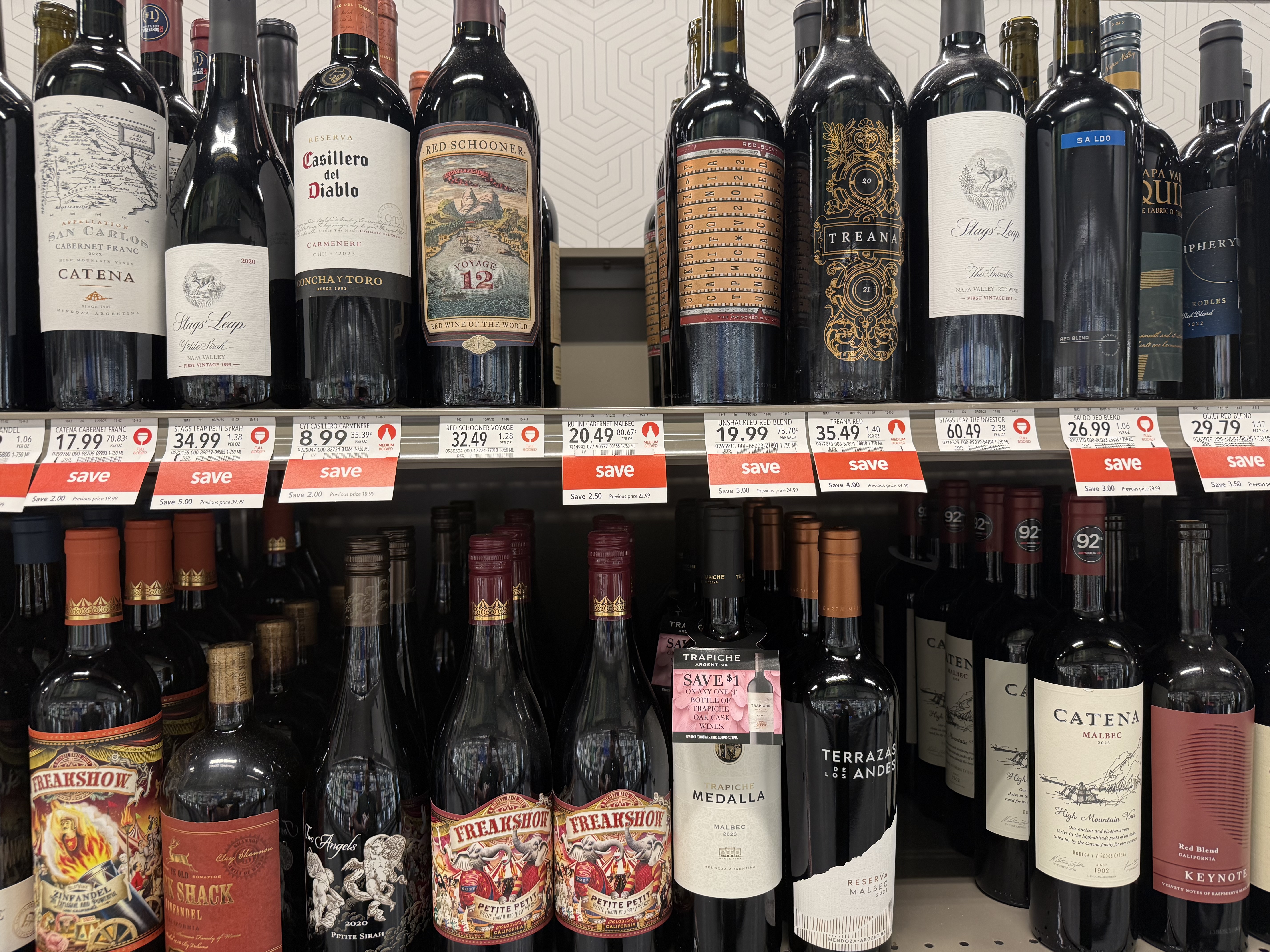
Complex: Grocery shelf with 20+ wine bottles
Results
Here's how the models performed across different complexity levels:
| Test Case | Winner | Haiku Time | Sonnet Time | Notes |
|---|---|---|---|---|
| 1-3 items (one partially hidden) | Haiku | 3,733ms | 5,546ms | Sonnet detected a partially hidden bottle Haiku missed |
| 4 items | Haiku | 5,676ms | 8,255ms | Both performed well |
| 4 items (handwritten menu) | Haiku | 5,823ms | 8,019ms | Both handled handwriting; Sonnet had higher confidence |
| Grocery shelf - close (20 items) | Sonnet | 7,128ms | 13,860ms | Both missed items, but Sonnet detected significantly more |
| Grocery shelf - medium (45 items) | Neither | 5,966ms | 18,367ms | Both models struggled; too many items |
| Grocery shelf - far (150+ items) | Neither | 5,187ms | 9,618ms | Both models struggled; image too dense |
Confidence Scores
Both models provide confidence levels for their extractions. For simple cases (1-4 items), both models reported high confidence (level 7-10). The interesting divergence happened on complex images:
- Haiku on 20-item shelf: Mixed confidence (levels 6-9), detected 8 items
- Sonnet on 20-item shelf: Higher confidence (levels 7-9), detected 12 items
- Both on 45+ items: Low confidence or empty results
Cost Analysis
The cost difference is substantial:
- Haiku: ~$0.25 per 1M input tokens, ~$1.25 per 1M output tokens
- Sonnet: ~$3 per 1M input tokens, ~$15 per 1M output tokens
For a typical wine label OCR request, Haiku costs roughly 75-90% less than Sonnet. At scale, this adds up quickly.
Practical Recommendations
Based on these results, here's what I implemented in PourGuide:
- Single bottle scans: Use Haiku. It's fast, cheap, and accurate enough for the most common use case.
- Menu or multi-bottle photos (2-4 items): Still use Haiku. The accuracy tradeoff isn't worth the cost increase.
- Complex scenes (5+ items): Route to Sonnet. Users uploading these images expect more, and Sonnet delivers meaningfully better results.
- Very complex scenes (20+ items): Consider warning users or implementing a different approach entirely. Even Sonnet struggles here.
Next Steps
The grocery shelf tests revealed a ceiling for both models. For my next experiment, I plan to test Claude Opus on these complex cases to see if the flagship model can handle dense, multi-item OCR where Sonnet falls short.
I'm also considering image preprocessing strategies: cropping regions of interest, enhancing contrast, or breaking complex images into multiple API calls.
Try It Yourself
The full benchmark code is available on GitHub. It includes sample images, automatic image resizing (Claude's 5MB limit), and structured output parsing. Feel free to fork it and run your own tests.